Affiliate Disclosure:Home Vacuum Zone is reader-supported. When you buy through links on our site, we may earn an affiliate commission at no additional cost to you. This does not influence our reviews or recommendations — we only recommend products we genuinely believe in.
Is your Dyson cordless vacuum losing power faster than it used to? Battery degradation is the most common issue with cordless vacuums as they age, but other factors can also cause rapid power drain.
This comprehensive troubleshooting guide covers diagnostic steps, fixes, and when it’s time to replace your Dyson battery.
Quick Troubleshooting Flowchart
Battery dies quickly
    ↓
Check for blockages (bin, wand, brushroll)
    ↓
Still poor performance?
    ↓
Check battery age
    ↓
3+ years old? → Consider replacement
Under 3 years? → Contact Dyson support (warranty)
How Long Should a Dyson Battery Last?
Battery Lifespan by Model
| Model | Release Year | Expected Lifespan | Current Status |
|---|---|---|---|
| V6 | 2015 | 3-4 years | Legacy (discontinued) |
| V7 | 2017 | 3-4 years | Older model |
| V8 | 2016 | 4-5 years | Still common |
| V10 | 2018 | 4-5 years | Widely used |
| V11 | 2019 | 4-6 years | Popular current |
| V12 | 2021 | 4-6 years | Current model |
| V15 | 2021 | 4-6 years | Current flagship |
| Gen5 | 2023 | 5-7 years | Latest generation |
Factors Affecting Battery Life
Shortens Lifespan:
- Daily use vs occasional use
- Frequent full discharges (running to 0%)
- Storage in hot (>85°F) or cold (<40°F) environments
- Leaving on charger 24/7
- Exclusive use of Max/Boost mode
Extends Lifespan:
- Storage at 40-60% charge when not in use
- Room temperature storage
- Using Eco/Auto modes primarily
- Monthly full discharge/recharge cycles
- Clean filters and no blockages - see our vacuum maintenance guide for a complete schedule
Understanding Lithium-Ion Battery Chemistry
Dyson cordless vacuums - manufactured in Southeast Asia with R&D in the UK - use lithium-ion battery cells, the same technology found in smartphones and electric vehicles. Understanding how these batteries work helps you maximize their lifespan and recognize when replacement is necessary.
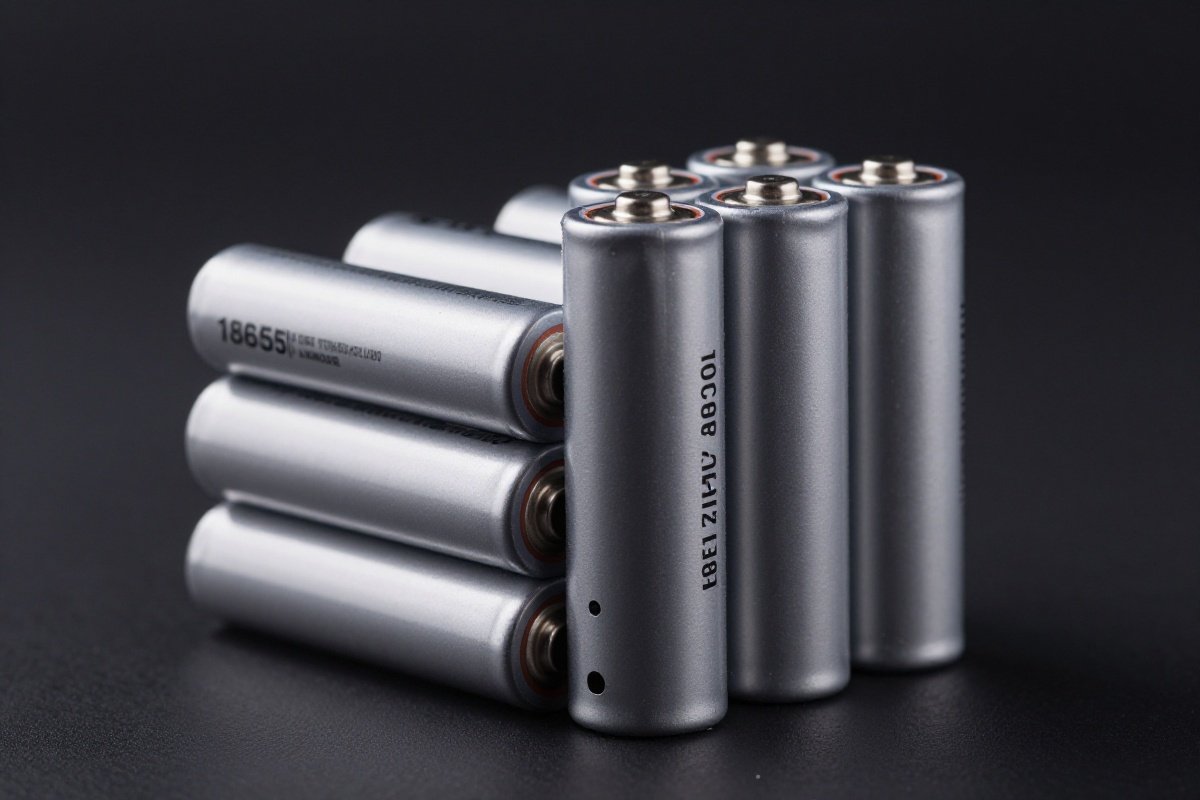
How Lithium-Ion Batteries Degrade:
- Chemical reactions inside battery cells cause gradual capacity loss
- Each charge cycle (0% to 100%) slightly reduces maximum capacity
- Heat accelerates chemical degradation significantly
- Calendar aging occurs even without use (batteries degrade sitting on shelf)
- After 300-500 full charge cycles, capacity typically drops to 80% of original
What “Battery Memory” Really Means: Unlike older nickel-based batteries, lithium-ion batteries don’t develop “memory effect.” You don’t need to fully discharge before charging. In fact, frequent partial charges (20% to 80%) are healthier than full discharge cycles. The common advice to “run it dead” occasionally serves to recalibrate the battery management system’s charge indicator, not to maintain battery chemistry.
Battery Management Systems (BMS): All Dyson models include sophisticated BMS circuitry that monitors cell voltage, temperature, and current. The BMS prevents overcharging, over-discharging, and overheating - all of which would damage the battery. When your Dyson displays charging errors or temperature warnings, the BMS is protecting your battery from damage. Newer models (V11 and later) have improved BMS algorithms that extend battery life by optimizing charging patterns and power delivery.
Diagnostic Steps
Step 1: Check for Blockages
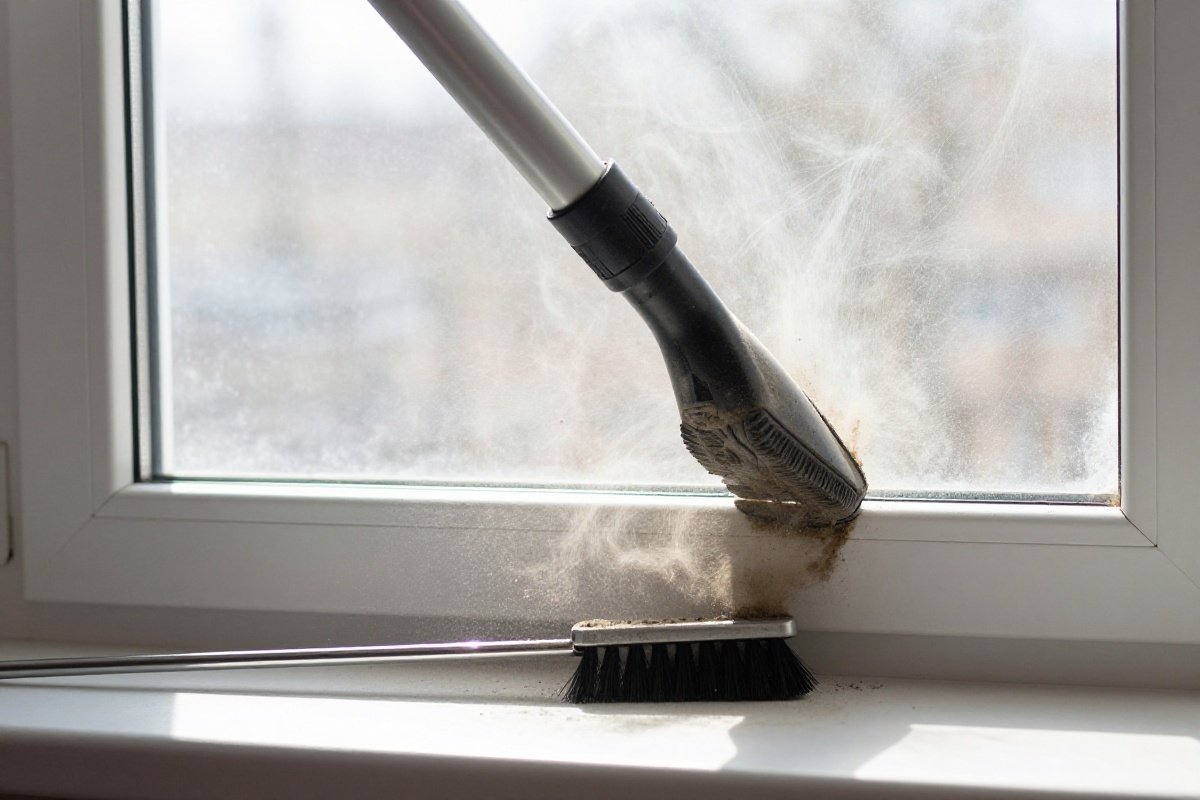
A blocked vacuum works harder, draining battery faster.
Check These Areas:
- Bin: Empty if over halfway full
- Filter: Wash and dry completely (24+ hours)
- Wand: Remove and check for clogs
- Brushroll: Remove hair and debris
- Airways: Check all connections
How to Test:
- With vacuum running, listen for strain (high-pitched whine)
- Check suction strength with hand at wand end
- Poor suction = blockage somewhere
Why Blockages Drain Battery Faster: When your Dyson encounters a blockage, the motor continues trying to pull air through the system. This increases motor load dramatically - similar to driving a car uphill versus on flat road. The motor draws more current from the battery to maintain target RPM, which can reduce runtime by 30-50%. A severely blocked vacuum might run for only 5-10 minutes instead of the expected 20-60 minutes, even with a healthy battery.
Step 2: Examine Battery Indicator
V6, V7, V8 Models (LED Indicators)
| Light Pattern | Meaning | Action |
|---|---|---|
| Blue solid | 100-20% charge | Normal operation |
| Blue flashing | 20-10% charge | Charge soon |
| Amber solid | 10-0% charge | Charge now |
| Amber flashing | Charging | Wait for completion |
| Red flashing | Fault/overheating | Unplug, cool 30 min |
| No light | Dead battery or fault | Check charger/connections |
V10, V11, V12, V15, Gen5 (LCD Screen)
| Display | Meaning | Action |
|---|---|---|
| Charging animation | Normal charging | Wait for completion |
| ”Too hot/cold” | Temperature protection | Bring to room temp |
| Battery fault icon | Battery issue | Try reset or replace |
| Plug icon + fault | Charger issue | Try different outlet |
| Countdown timer | Normal runtime display | Monitor usage |
Step 3: Test the Charger
Symptoms of Charger Issues:
- No charging light when plugged in
- Intermittent charging (starts/stops)
- Vacuum works but won’t charge
Testing Steps:
- Try a different outlet
- Check charger cable for damage
- Ensure charging pins are clean
- Try a known working Dyson charger
Note: V6/V7/V8 chargers are not compatible with V10+ models.
Charger Compatibility Chart:
| Your Model | Compatible Chargers | Output Specs |
|---|---|---|
| V6, V7, V8 | Same series only | 26.1V, 0.78A |
| V10, V11 | V10/V11 chargers | 30.45V, 1.1A |
| V12, V15, Gen5 | Same generation | 25.2V, 1.1A |
Using an incompatible charger may not damage your vacuum immediately (safety circuits prevent this), but it won’t charge properly or may charge very slowly. Counterfeit chargers lacking proper voltage regulation can potentially damage the battery management system.
Step 4: Check for Overheating
Dyson vacuums have thermal protection that prevents operation or charging when too hot.
Causes of Overheating:
- Prolonged Max/Boost mode use
- Blockages causing motor strain
- Operating in hot environments
- Battery degradation causing heat
Solution:
- Turn off and unplug
- Let cool 30-60 minutes
- Check for blockages before restarting
Temperature Operating Ranges: Dyson vacuums operate optimally between 50°F and 95°F (10°C to 35°C). Outside this range, you may experience reduced runtime or thermal protection activation. In cold weather (below 40°F), lithium-ion batteries temporarily lose capacity - this is normal and reversible. Let the vacuum warm to room temperature before use. In hot weather (above 95°F), the motor and battery generate more heat, triggering thermal protection more quickly. If you vacuum in a hot attic or store the vacuum in a hot garage, consider moving it to a climate-controlled area.
Step 5: Battery Reset (Calibration)
Recalibrating the battery management system can help with inaccurate charge readings.
How to Reset:
- Use vacuum until it stops completely (0%)
- Leave off for 30 minutes
- Charge uninterrupted for 4+ hours (overnight preferred)
- Use until fully discharged again
- Repeat charge cycle
Note: Only needed every 3-6 months, not after every use.
Why Calibration Works: The battery management system tracks charge level by monitoring voltage and current flow. Over time, these calculations can drift slightly from actual capacity, causing the display to show 50% when the battery is actually closer to 30%. A full discharge and recharge cycle allows the BMS to measure true capacity from 0% to 100%, resetting its internal calculations. This doesn’t restore lost capacity - it simply makes the indicator more accurate.
Common Issues and Solutions
Issue 1: Battery Won’t Hold Charge (Rapid Drain)
Symptoms:
- Full charge lasts only 2-5 minutes
- Sudden power loss during use
- Battery percentage jumps (50% to 10% instantly)
Likely Cause: Battery degradation (end of life)
Solutions:
- Check battery age (3+ years = replacement time)
- Try battery reset/calibration
- Replace battery (genuine or more affordable third-party options available)
Issue 2: Vacuum Works But Won’t Charge
Symptoms:
- Runs normally on current charge
- No charging light when plugged in
- Charger works with other devices
Likely Causes:
- Faulty charging port
- Battery management system fault
- Charger incompatibility
Solutions:
- Try different charger
- Clean charging contacts
- Check for port damage
- Contact Dyson support
Cleaning Charging Contacts: Over time, dust and oxidation can build up on the charging contacts, preventing proper connection. Use a dry cotton swab or microfiber cloth to gently clean both the contacts on the vacuum body and the charger pins. For stubborn oxidation, lightly dampen the cloth with isopropyl alcohol (90%+ concentration), clean the contacts, and let dry completely before attempting to charge. Never use water or abrasive cleaners on electrical contacts.
Issue 3: Red Flashing Light
Symptoms:
- Red light flashes when charging or running
- Vacuum won’t start or charge
Likely Causes:
- Battery fault
- Overheating protection
- Cell imbalance in battery pack
Solutions:
- Let cool completely (30-60 minutes)
- Try battery reset
- If persists, battery needs replacement
Issue 4: Short Runtime Despite New Battery
Symptoms:
- Replaced battery recently
- Still getting poor runtime
- Suction seems weak
Likely Causes:
- Blockages causing motor strain
- Using Max mode exclusively
- Counterfeit or faulty replacement battery
Solutions:
- Thoroughly clean all components
- Use Auto/Eco modes primarily
- Verify battery authenticity
Spotting Counterfeit Batteries: Unfortunately, counterfeit Dyson batteries exist on marketplaces like Amazon and eBay. Signs of counterfeits include: unusually low prices (genuine batteries maintain a consistent price floor), packaging with spelling errors or poor print quality, missing Dyson certification marks, batteries that feel lighter than original, and seller locations in regions known for counterfeits. Counterfeit batteries may work initially but often fail within months and can pose safety risks. Always purchase from authorized Dyson retailers or highly-rated sellers with verified purchase reviews.
When to Replace vs. Repair
For general guidance on how long vacuums last and the repair-vs-replace equation, see our brand lifespan guide.
Replace the Battery If:
✓ Battery is 3+ years old
✓ Runtime decreased 50%+ from new
✓ Battery indicator shows fault
✓ Vacuum is otherwise in good condition
✓ Cost of battery < 30% of new vacuum price
Buy a New Vacuum If:
✓ Vacuum is 5+ years old
✓ Multiple components failing
✓ Want newer features (laser detection, better battery)
✓ Repair costs exceed 50% of replacement
✓ Out of warranty and significant issues
Cost Comparison
| Option | Cost | Best For |
|---|---|---|
| Genuine Dyson Battery | Mid-range investment | Maintaining warranty, reliability |
| Third-Party Battery | Budget-friendly | Budget-conscious, older models |
| New Dyson (V15) | Premium | Latest features, full warranty |
| New Dyson (V11) | Mid-to-premium | Good balance of features/price |
| New Dyson (V8) | Mid-range | Budget option, proven design |
Break-Even Analysis:
- A replacement battery extending life 3 years costs a fraction per year of what a new vacuum would
- A new vacuum lasting 5 years costs roughly three times more per year than a battery swap
Additional Considerations for Upgrade Decisions: Beyond simple cost calculations, consider these factors when deciding between battery replacement and purchasing a new model. Newer Dyson models offer significantly improved features: the V11 introduced LCD screens with real-time performance monitoring, the V15 added laser dust detection that reveals microscopic particles, and the Gen5 features enhanced filtration capturing 99.99% of particles. Battery technology has also improved - Gen5 models provide up to 70 minutes of runtime compared to 20-30 minutes on older V6/V7 models. If you vacuum frequently or have a large home, these improvements may justify the higher cost of a new vacuum rather than simply replacing the battery on an older model.
How to Replace Your Dyson Battery
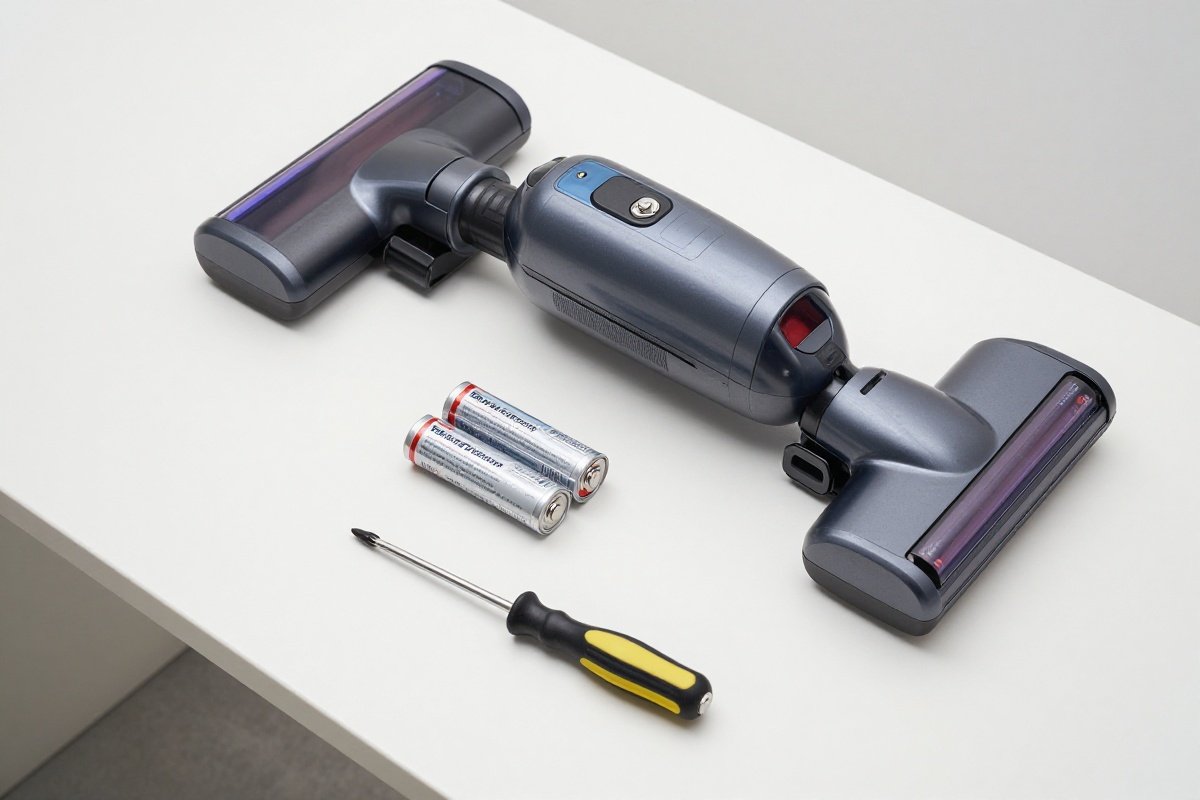
Tools Needed
- Replacement battery
- Phillips screwdriver (V6/V7 only)
- Clean, dry workspace
V8, V10, V11, V12, V15, Gen5 (Tool-Free)
- Power off vacuum completely
- Remove wand and attachments
- Press battery release button (usually on handle)
- Slide battery down and away from vacuum
- Install new battery by sliding up until it clicks
- Charge fully before first use (4+ hours)
Time: 1-2 minutes
V6, V7 (Requires Screwdriver)
- Power off and unplug
- Remove battery screws (2-3 screws on battery housing)
- Disconnect battery connector
- Remove old battery
- Connect new battery and secure with screws
- Charge fully before use
Time: 5-10 minutes
After Replacement
- Charge fully (4-6 hours for first charge)
- Perform battery reset (run to empty, then full charge)
- Test runtime on normal power mode
- Monitor performance over first week
Breaking In a New Battery: New lithium-ion batteries often require 2-3 full charge cycles to reach optimal performance. Don’t be alarmed if your first charge provides slightly less runtime than expected - this is normal. During the first week, use the vacuum normally but avoid prolonged Max mode sessions. After 3-5 complete charge cycles, the battery should deliver its full rated capacity. If runtime remains significantly below expectations after this break-in period, contact the battery supplier - you may have received a defective unit.
Battery Maintenance Tips
Daily/Weekly
- Empty bin after each use
- Clean brushroll of hair/debris
- Check filter monthly (wash if dirty)
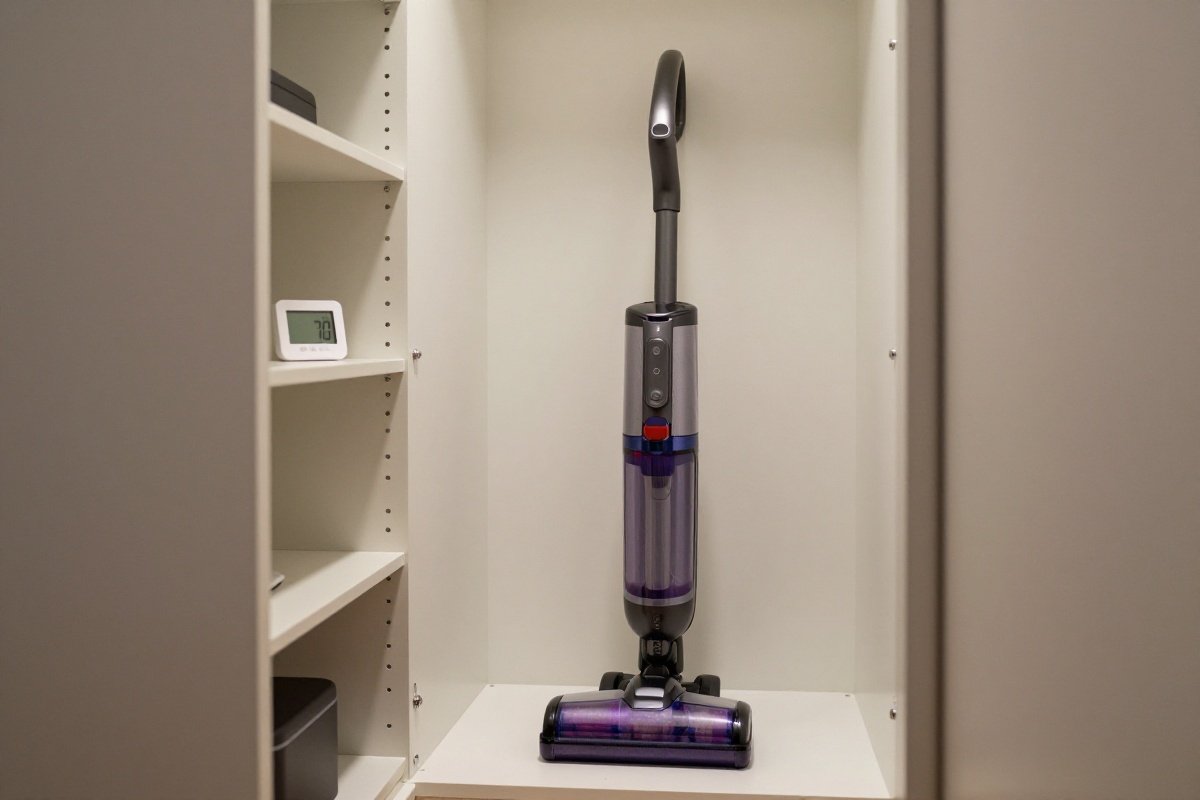
Monthly
- Run battery to empty once
- Check for blockages
- Clean charging contacts
Long-Term Storage
- Store at 40-60% charge (not full, not empty)
- Keep at room temperature (60-80°F)
- Remove from charger
- Use every 1-2 months to maintain battery health
What to Avoid
- ❌ Leaving on charger 24/7
- ❌ Storing in hot car/garage
- ❌ Running to 0% every time
- ❌ Using only Max/Boost mode
- ❌ Getting vacuum wet
The Science Behind Storage Recommendations: Storing lithium-ion batteries at high charge levels (80-100%) accelerates chemical degradation, while storing at very low levels (0-20%) risks deep discharge damage. The 40-60% charge range minimizes stress on the battery cells. If you won’t use your Dyson for extended periods (vacation, seasonal storage), charge to 50%, store in a cool location, and check every 2-3 months. If the charge has dropped below 20%, recharge to 50%. This maintenance prevents the battery from entering a deep discharge state that can permanently damage cells and reduce capacity.
Warranty Information
Dyson Battery Warranty
Coverage: 2 years from purchase date
Covers: Manufacturing defects, premature failure
Doesn’t Cover: Normal wear, physical damage, water damage, third-party batteries
What’s Covered:
- Battery won’t hold charge within 2 years
- Charging faults
- Manufacturing defects
What’s Not Covered:
- Gradual capacity loss after 2+ years
- Damage from drops or water
- Issues from third-party batteries
- Blockage-related issues
How to Claim:
- Contact Dyson support (online chat or phone)
- Provide proof of purchase
- Describe issue in detail
- They may troubleshoot first
- If covered, replacement sent or repair arranged
Further Reading
- How Often Should You Vacuum? Complete Guide by Floor Type & Lifestyle
- How to Deep Clean Carpet Without a Machine: 3 DIY Methods (2026)
- How to Remove Mold from Carpet: 10-Step DIY Guide (2026)
Recommended Replacement Batteries
Genuine Dyson Batteries
Pros:
- Guaranteed compatibility
- Maintains warranty
- Known quality and lifespan
- Safety tested
Cons:
- Higher cost than third-party alternatives
- Limited availability for older models
Third-Party Batteries
Pros:
- Significantly cheaper than genuine batteries
- Often higher capacity (more runtime)
- Widely available
Cons:
- Variable quality
- May void warranty
- Shorter lifespan on average
- Safety concerns with some brands
Recommended Third-Party Brands:
- Powerextra (good reviews, decent quality)
- Flylinktech (reliable performance)
- Waitley (budget option)
Higher Capacity Batteries: Some third-party manufacturers offer batteries with higher mAh (milliamp-hour) ratings than genuine Dyson batteries. For example, an aftermarket V11 battery might claim 4000mAh versus Dyson’s 3600mAh. While higher capacity sounds appealing, be aware that these claims aren’t always accurate, and higher capacity batteries are often physically larger or heavier. Additionally, the Dyson’s motor and controls are calibrated for specific battery characteristics - an oversized battery might cause the BMS to misreport charge levels. If choosing a higher-capacity third-party battery, read reviews carefully to verify that the advertised capacity is genuine and the battery fits properly.
Recommended Products
Dyson V11 Replacement Battery
Dyson V11 replacementThis genuine OEM battery restores the V11's full 60-minute runtime with the same 3500 mAh capacity and click-in installation as the factory original. Best for V11 owners experiencing reduced runtime who want the reliability and safety assurance of a Dyson-manufactured replacement over aftermarket options.
What We Like
- Genuine Dyson part
- 3500 mAh capacity
- Easy installation
- 1-year warranty
What We Don't
- Significantly more expensive than third-party alternatives
- Only compatible with Dyson V11 models
- Battery capacity degrades over time with charge cycles like the original
Powerextra Dyson V7 V8 Battery
Budget replacementThe Powerextra V7/V8 battery offers 4000 mAh capacity at a fraction of the OEM replacement cost, restoring runtime to aging Dyson cordless vacuums. Best for owners of out-of-warranty Dyson V7 or V8 models who need an affordable way to extend their vacuum's lifespan.
What We Like
- Affordable
- 4000 mAh capacity
- Works with V7/V8
- Good reviews
What We Don't
- Third-party manufacturing lacks Dyson's quality control standards
- Installing a non-OEM battery may void the Dyson manufacturer warranty
- Battery capacity degrades faster than OEM cells over repeated charge cycles
Continue Reading
Explore more maintenance & floor care content or browse our other categories.
Frequently Asked Questions
- How long should a Dyson battery last?
- Dyson batteries typically last 3-5 years with normal use, depending on the model and how well you maintain them. V6 and V7 batteries average 3-4 years, V8 and V10 batteries last 4-5 years, and V11/V15/Gen5 batteries can last 4-6 years due to improved battery management systems. Heavy users (daily vacuuming) may see shorter lifespans of 2-3 years, while occasional users can get 5+ years. Factors that shorten battery life include frequent full discharges, storing in extreme temperatures, leaving on charger 24/7, and operating in high-power modes exclusively. Lithium-ion batteries naturally degrade over time regardless of use, so even rarely-used batteries will lose capacity after 4-5 years.
- Why is my Dyson dying so fast?
- Your Dyson may be dying quickly due to several factors: (1) Battery degradation from age (3+ years) or heavy use; (2) Blockages in the vacuum causing the motor to work harder and drain battery faster; (3) Using maximum power mode exclusively instead of auto or eco modes; (4) Dirty filters restricting airflow and increasing power draw; (5) Cold temperatures reducing battery capacity temporarily; (6) A faulty battery or charging system. First, check for blockages in the wand, bin, and filters - clean thoroughly. Try using lower power modes. If the battery is 3+ years old, it's likely reaching end of life and needs replacement. If under warranty (2 years), contact Dyson support for potential battery replacement.
- Can I replace a Dyson battery myself?
- Yes, you can replace most Dyson batteries yourself with basic tools. Dyson designs their vacuums with user-replaceable batteries for V8 and newer models. The process typically involves: removing the battery release button or screws, disconnecting the old battery, and installing the new one. V6 and V7 models require screwdriver disassembly, while V8+ models have tool-free battery swaps. Replacement takes 5-15 minutes. You can choose genuine Dyson batteries ($80-150) or third-party alternatives ($30-60). Genuine batteries maintain warranty and reliability, while third-party options save money but may have shorter lifespans. Always unplug the vacuum and follow safety precautions. Dyson provides battery replacement guides on their support website, or you can find video tutorials online.
- Is it worth replacing a Dyson battery or buying a new vacuum?
- Replace the battery if your Dyson is less than 5 years old and otherwise functions well. Battery replacement costs $80-150 for genuine parts or $30-60 for third-party, compared to $400-700 for a new Dyson vacuum. If your vacuum is 4+ years old, consider whether newer models offer features worth upgrading for (better battery life, laser detection, improved suction). For V10 and newer models, battery replacement is usually worth it since the vacuum technology hasn't changed dramatically. For V6 or V7 models, consider upgrading to a newer model for better runtime, features, and warranty. Calculate cost-per-year: a $120 battery extending life 3 years costs $40/year, while a $600 new vacuum lasting 5 years costs $120/year. Also factor in environmental impact - replacing batteries reduces e-waste.
- Why does my Dyson flash red or blink when charging?
- Dyson flashing red or blinking lights indicate specific issues: (1) Flashing red (all models): Battery fault or thermal protection activated - unplug and let cool for 30+ minutes; (2) 12 amber flashes (V10/V11): Battery too hot or cold - bring to room temperature; (3) 18+ red flashes: Battery needs replacement or has cell fault; (4) No light when plugged in: Check charger connection, outlet, or try different outlet; (5) Solid amber: Normal charging (some models). For LCD models (V11/V12/V15/Gen5), error codes display on screen. If flashing persists after cooling and reset attempts, the battery likely needs replacement. Contact Dyson support if under warranty - battery defects are covered for 2 years from purchase.
Written By
Home Vacuum Zone
Our team researches, tests, and reviews vacuum cleaners to help you make confident buying decisions.
Related Articles
How to Clean and Maintain a Robot Vacuum: Complete Guide
Learn how to clean your robot vacuum properly. Step-by-step guide covers dustbin emptying, filter cleaning, brush roll maintenance, sensor care, and dock maintenance.
5 Best Steam Mops for Hardwood Floors (2026 Reviews)
Find the best steam mop for hardwood floors in 2026. Our top picks include safe, effective options from Bissell, Shark, and PurSteam with adjustable steam settings.
How Often Should You Vacuum? Complete Guide by Floor Type & Lifestyle
Learn exactly how often to vacuum based on your home's traffic, pets, allergies, and floor type. Get personalized recommendations and discover the best vacuums for your specific needs.